

Free
0₫
3-day free trial
From first publication
- Wedding photo album
- One link for all guests
- View guest replies
- Nếp watermark

Choose a design, add your photos and wedding details. Preview your own invitation in just a few steps.
Free links last 3 days from first publication.
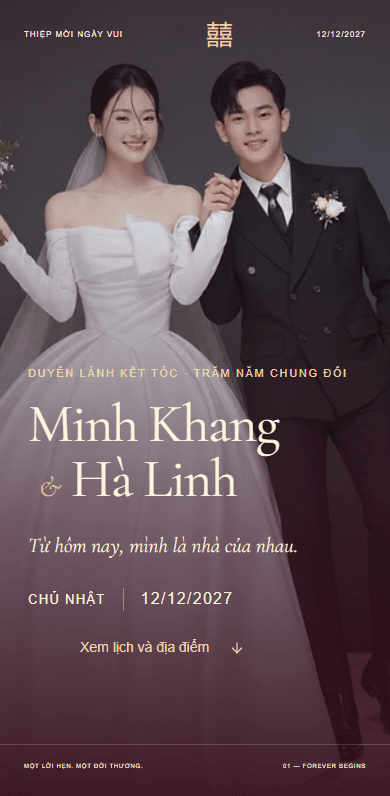
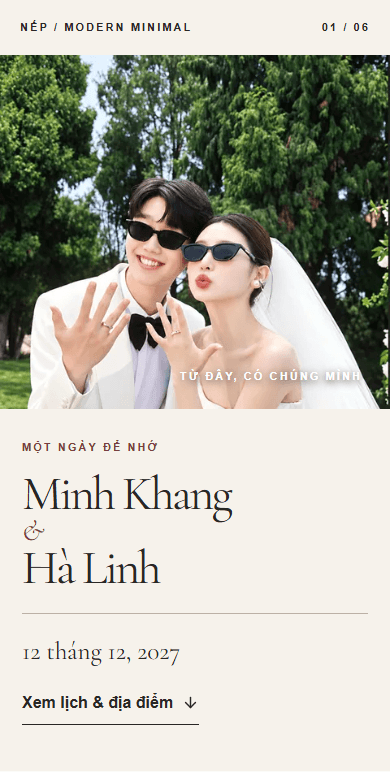
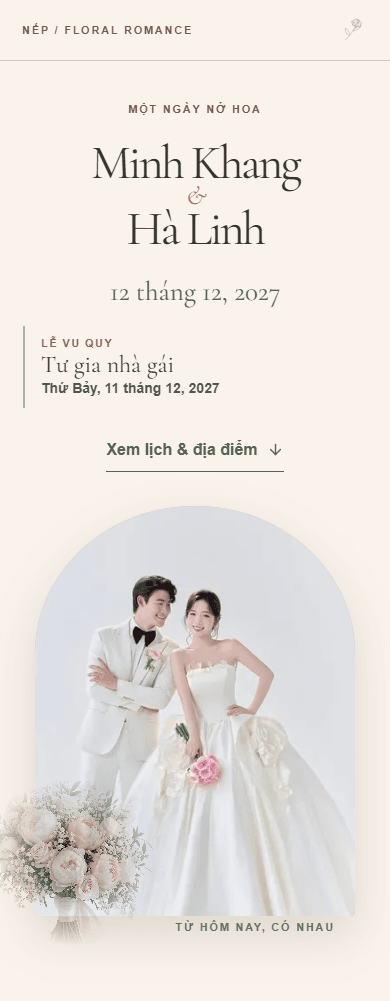
Swipe to explore. Open an invitation to see it as a guest.
Try it with your own photos first. Sign in when you’re ready to share.
Open a sample in the collection. When you find one you like, tap “Choose this design”.
Add your photos and reception details. If the families are hosting separately, enter a time and address for each celebration.
View the invitation as your guests will see it. Check the names, arrival times and venues.
Create the invitation, sign in or register, then choose Free. Copy the link from My invitations and send it to your guests.
0₫
3-day free trial
From first publication
129,000₫
5 years per invitation
From confirmed payment
Coming soon
Free lasts 3 days from the first successful publication. Premium lasts 5 calendar years from the invitation’s first verified payment. Editing, changing designs or republishing does not restart it. Premium is not yet on sale.
No. Guests can view an unexpired invitation and RSVP without signing in.
Yes. Edit your draft and choose Update invitation. Guests use the same link and only see the new content after you publish the update.
Yes. Premium belongs to one invitation. Changing its design preserves your content, photos, link and expiry. Guests see the new design after you choose Update invitation.
Each invitation needs its own upgrade at 129,000 VND total. A purchase applies only to the selected invitation. Premium is not yet on sale.
Before sign-in, your draft and photos stay in this browser on this device. Clearing browser data may remove them. After sign-in, content syncs to your account and photos upload when syncing succeeds. Published invitation images have URLs that guests can access.
Guests can no longer view the invitation or RSVP. You can check and edit retained drafts in My invitations. Data retention, deletion and renewal terms are awaiting publication. Drafts are not promised indefinite storage.
Choose Forgot password on the sign-in page. If email delivery has not been configured, the page tells you. You can still return to the local draft on your device.
Yes. Give each ceremony or reception its own family label, date, arrival time, start time and venue. Shared links show the events; Premium personal links can limit events to those a guest is invited to.
Add photos, enter your wedding details and preview. Create a link when you are ready.
Create your free invitationFree links last 3 days from first publication.